Step 1: Open the IONSport App
Launch the IONSport app on your device
Step 2: Access the Sign In Screen
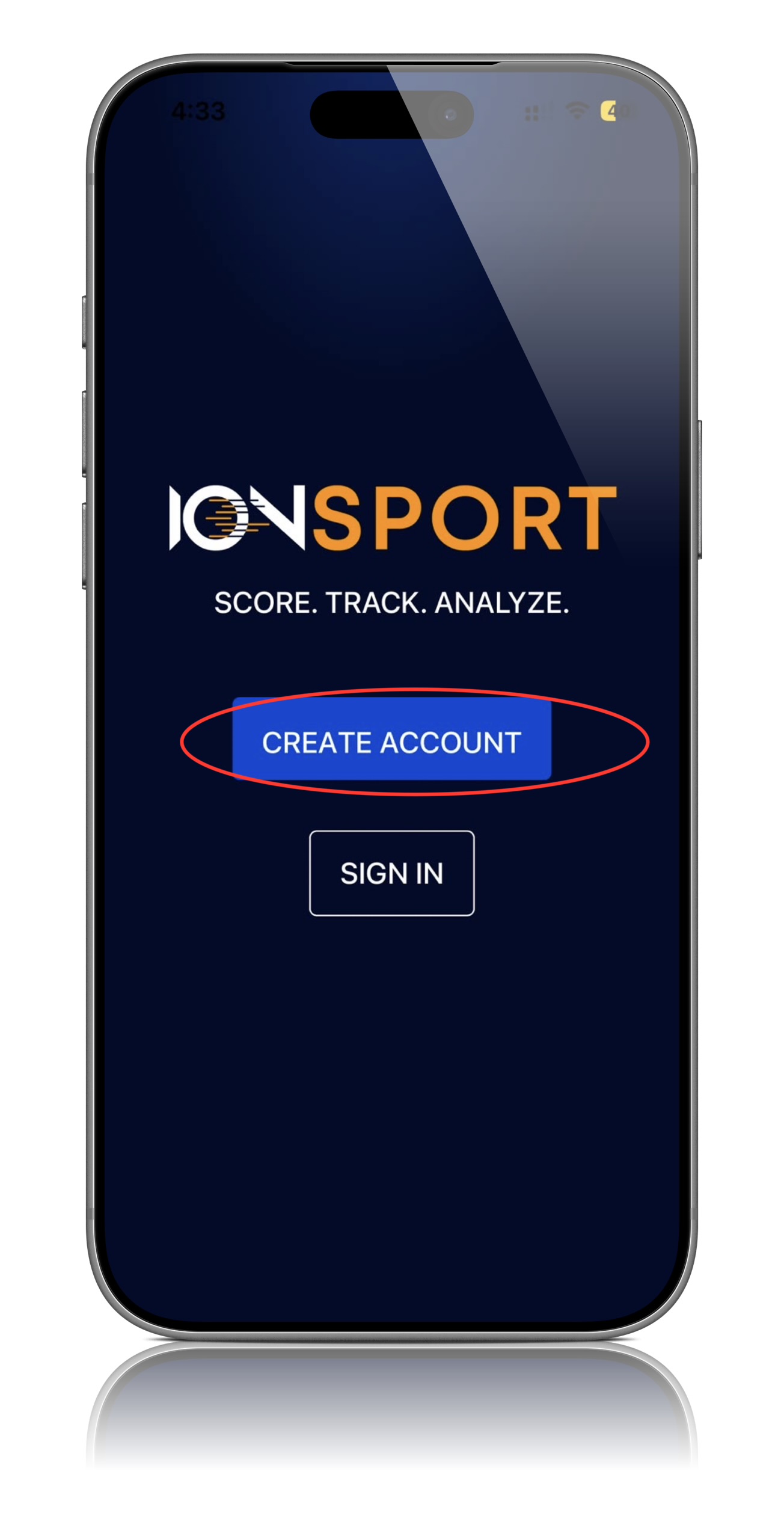
Once the app opens, you will be taken to the Home Screen where the sign in and account creation options are available
Step 3: Select Create Account
Choose the Create Account option to being the registration process
Step 4: Enter Your Information
Complete the required account information, including the email address you will be using to manage and run tournaments
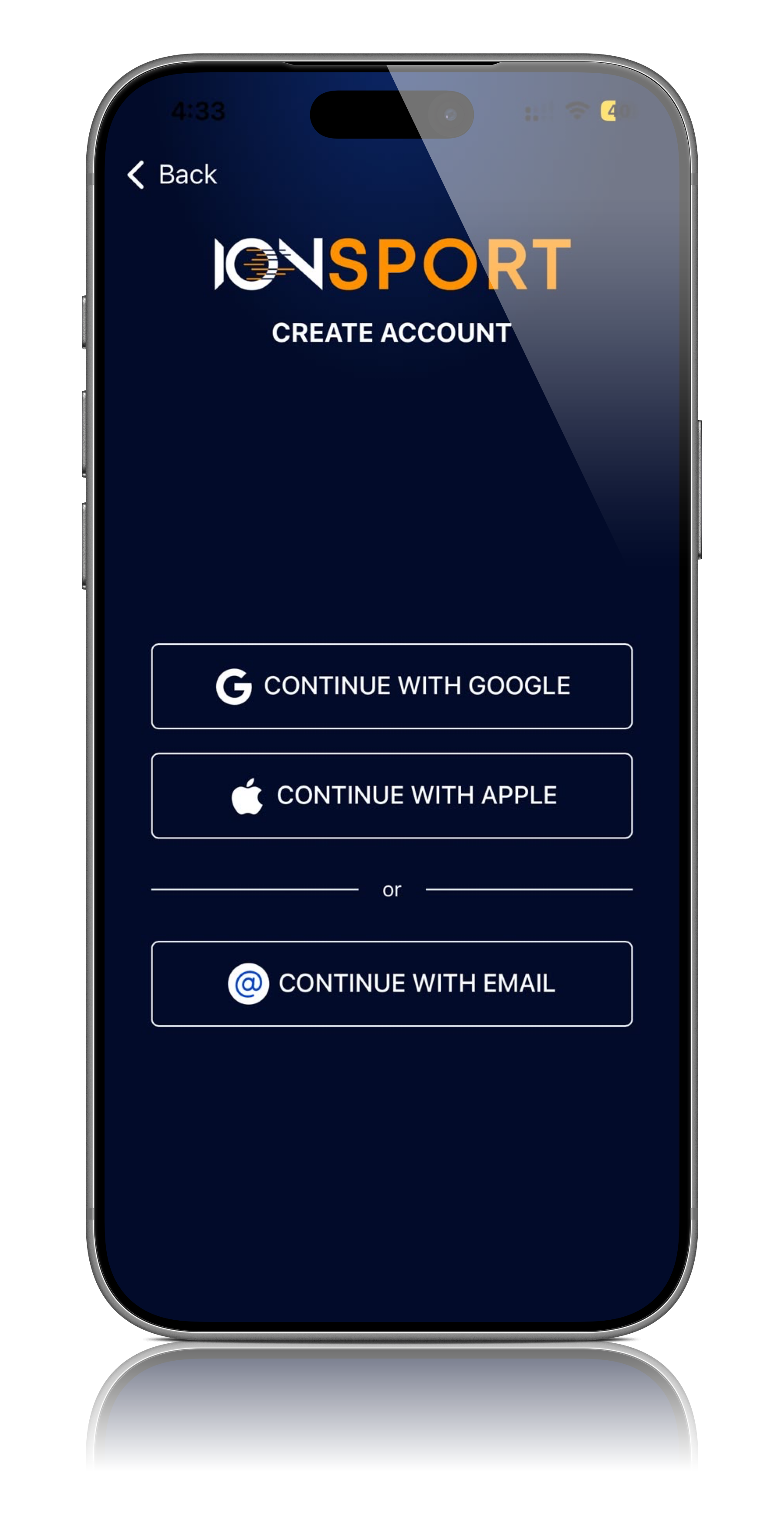
Step 5: Create Your Account
Review your information and submit the registration form to create your account
Step 6: Access Tournament Features
Once signed in, you will have access to tournament management feature, including tournament claiming, match administration, official assignment, and live scoring tools.
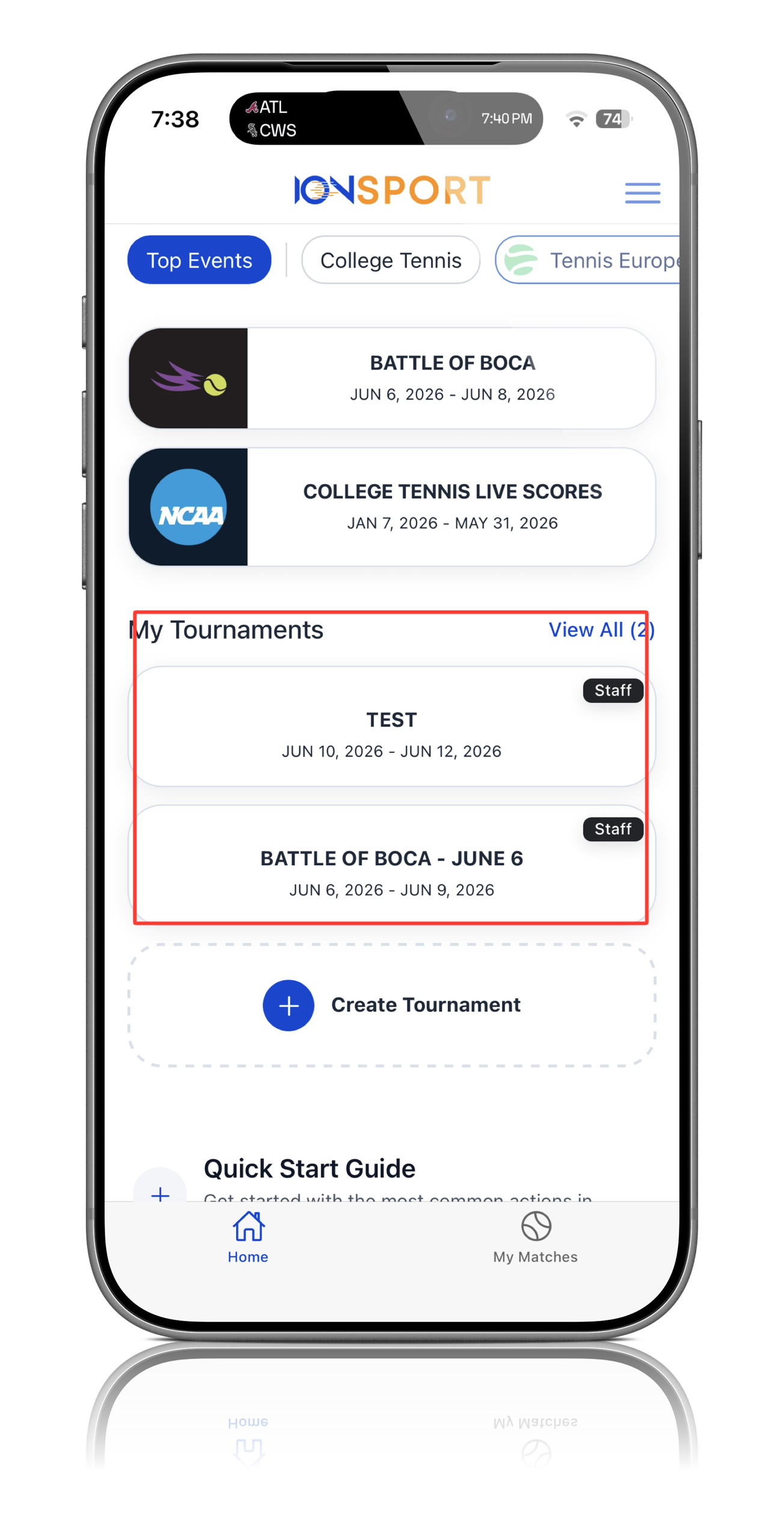
Note: Use the same email address that will be associated with your tournament administration activities to ensure proper access to tournament management features.
Was this article helpful?
That’s Great!
Thank you for your feedback
Sorry! We couldn't be helpful
Thank you for your feedback
Feedback sent
We appreciate your effort and will try to fix the article