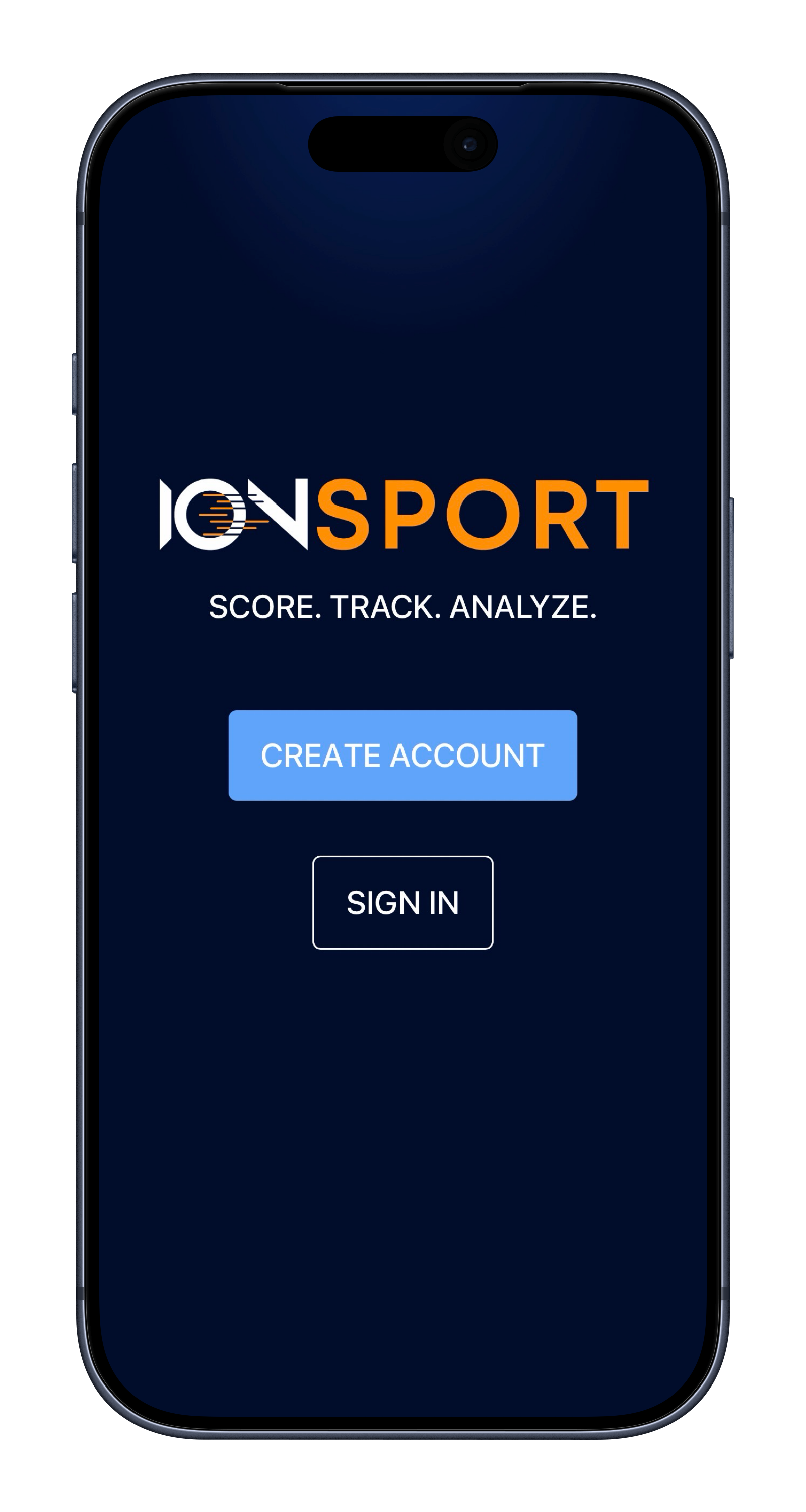
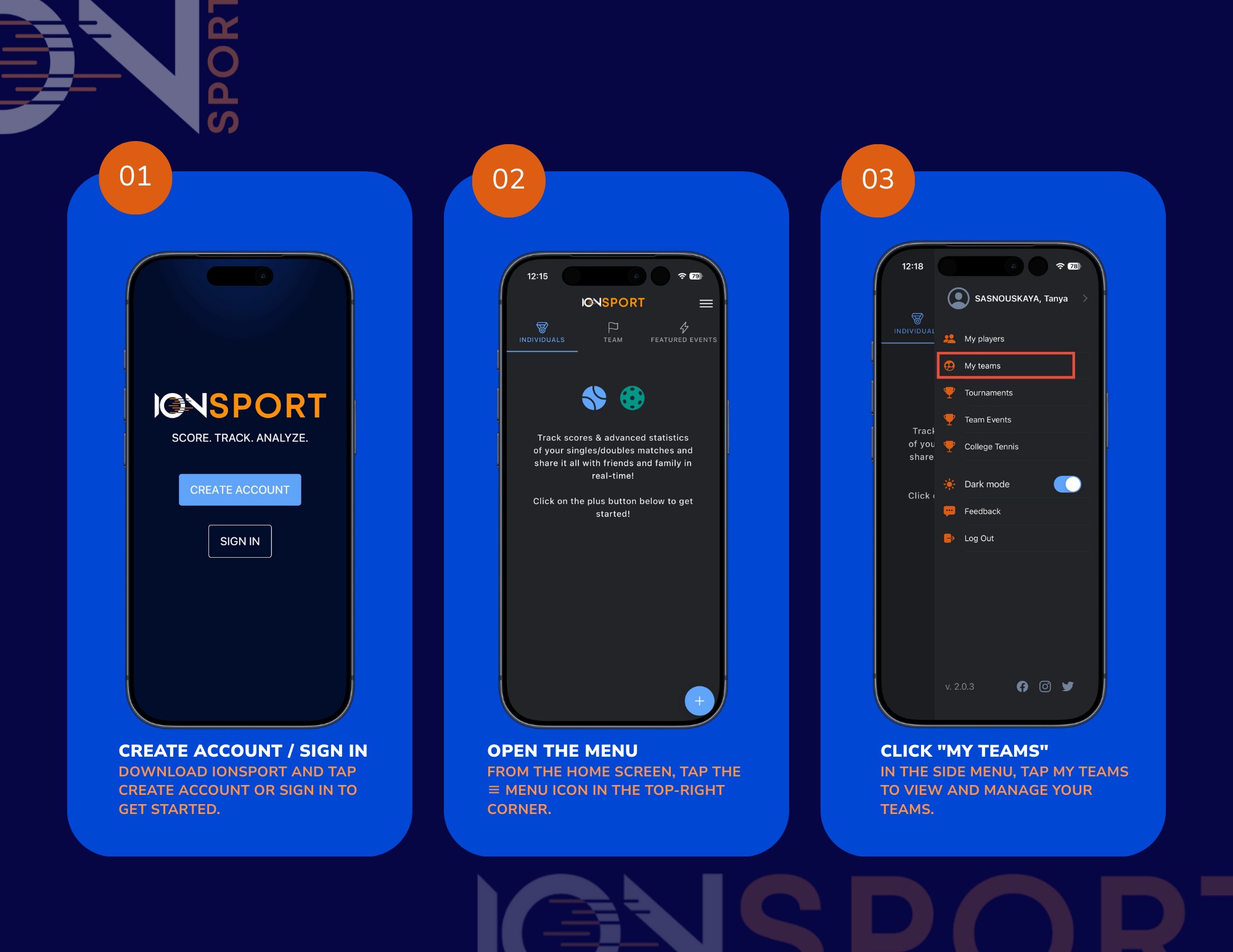
1. Create an account / sign in
Download IONSport and tap Create Account or Sign In to get started.
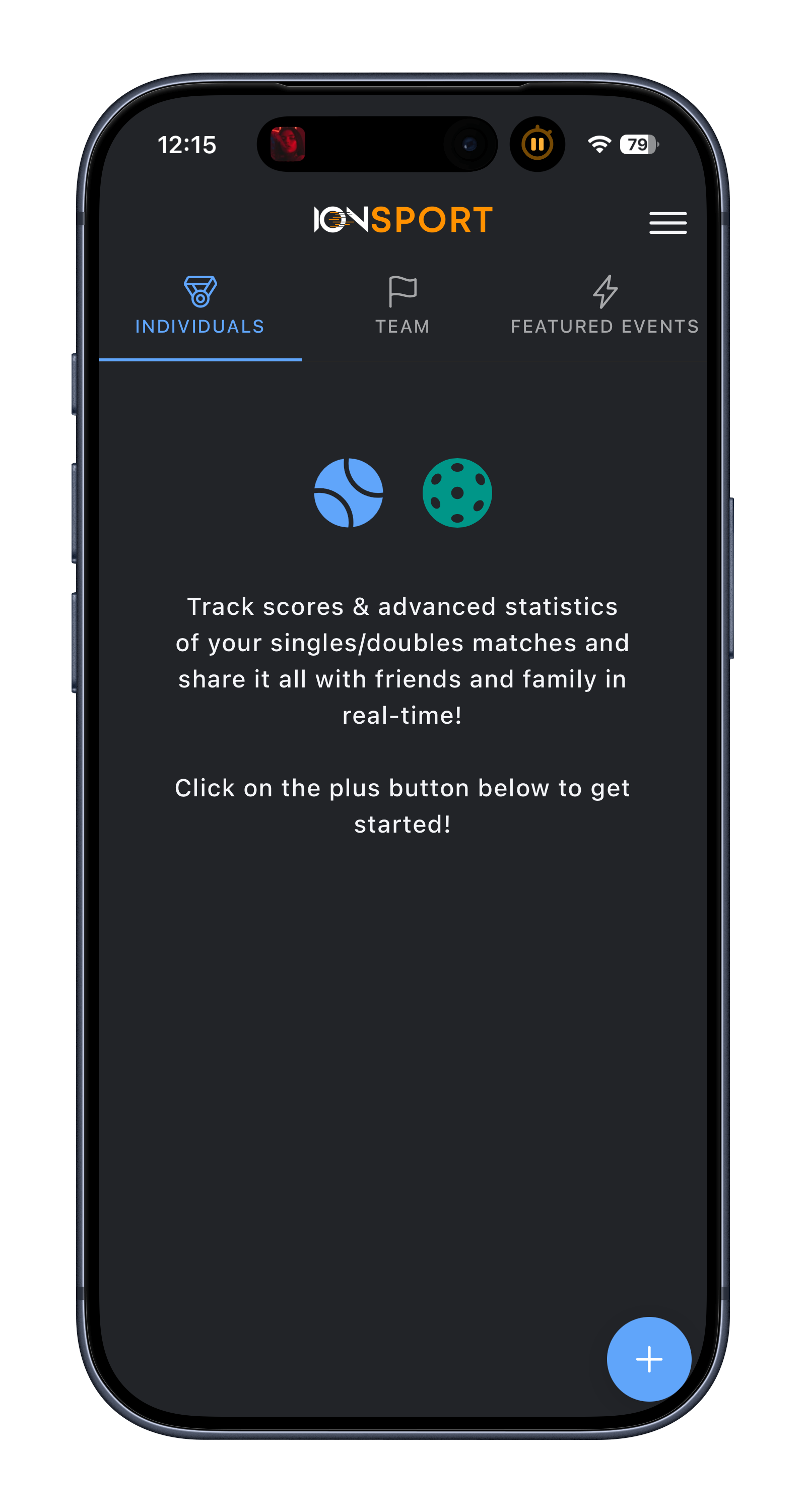
2. Open the Menu
From the home screen, tap the ≡ menu icon in the top-right corner
3. Click "My Teams"
In the side menu, tap My Teams to view and manage your teams.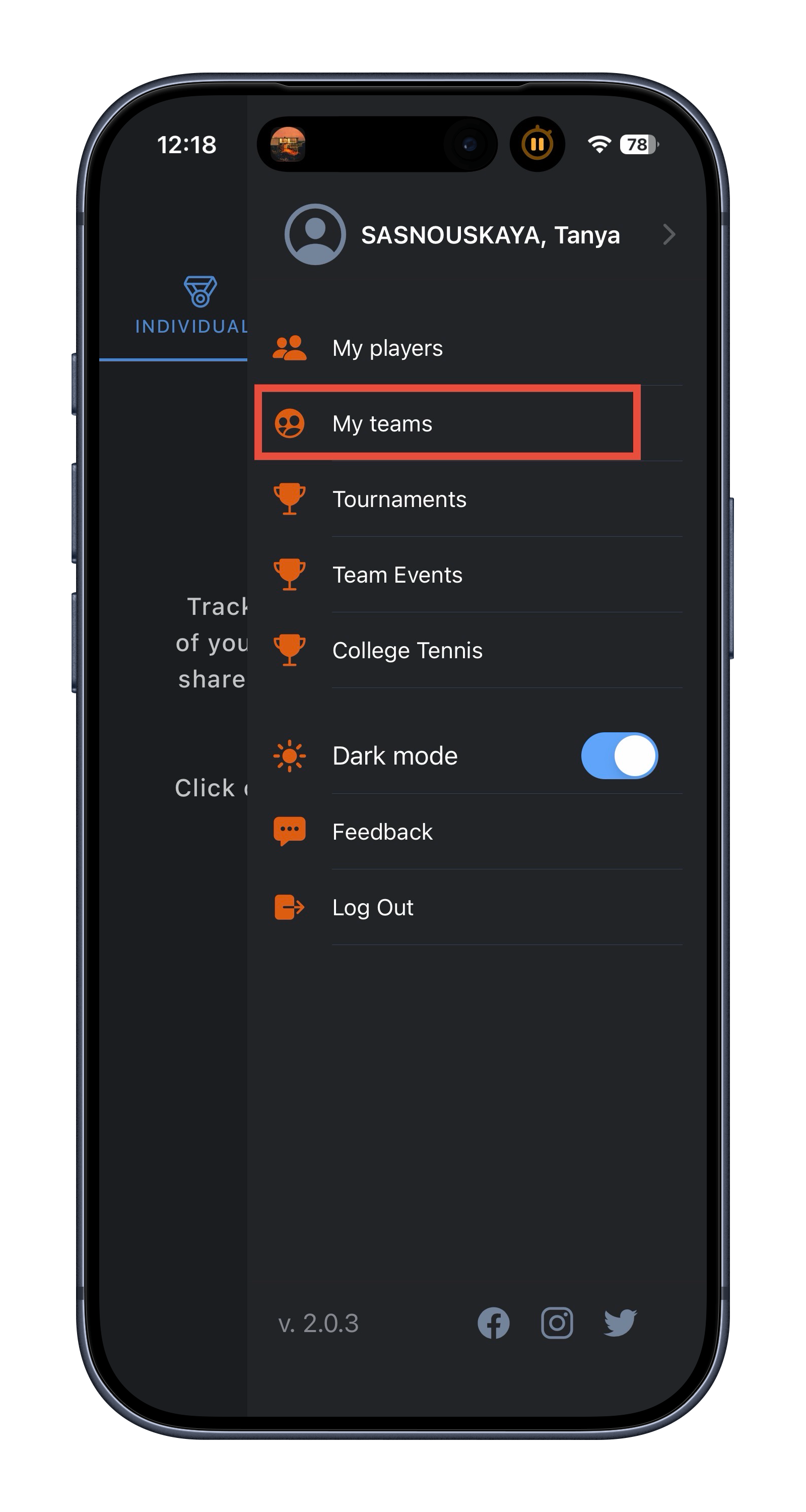
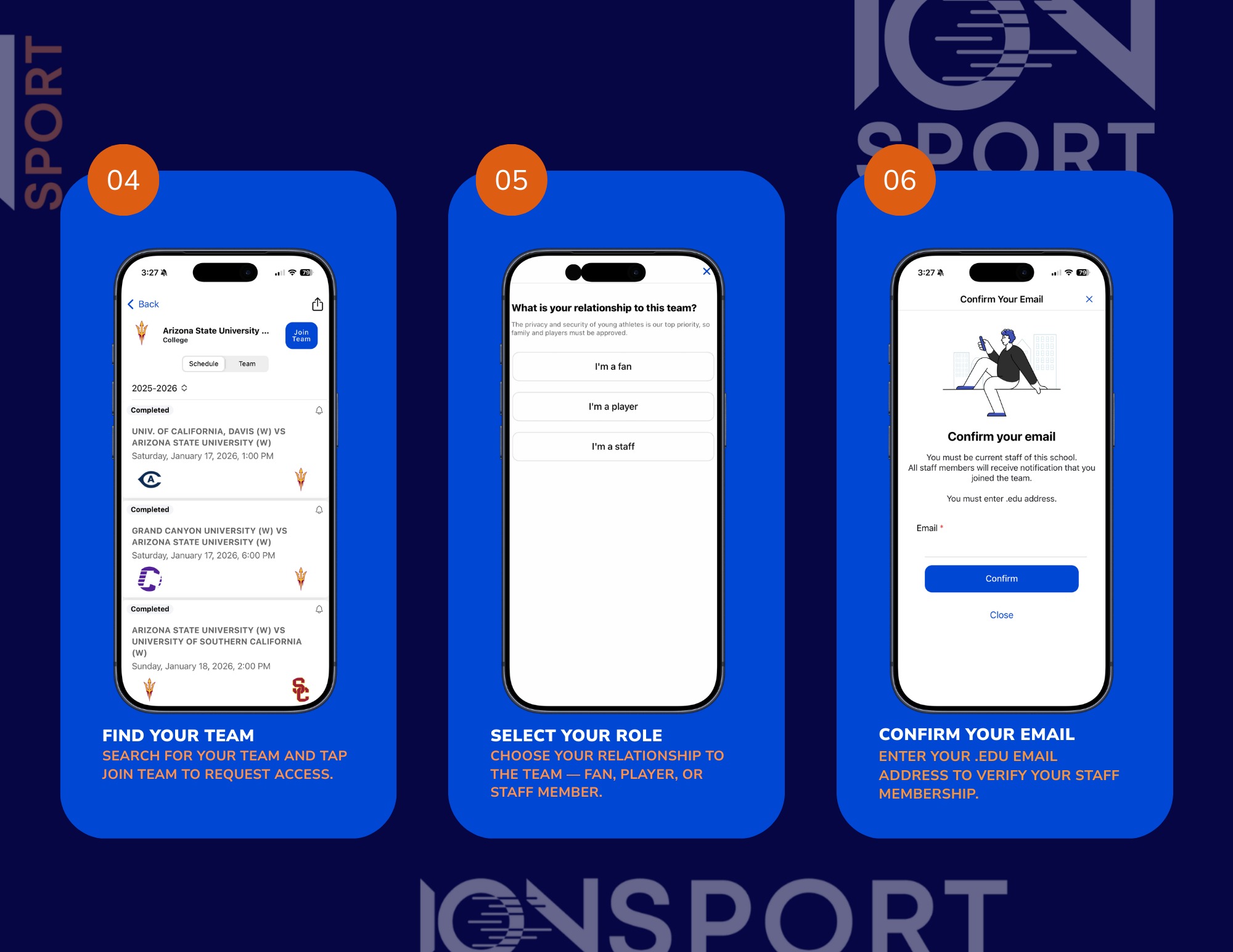
4. Find Your Team
Search for your team and tap Join Team to request access.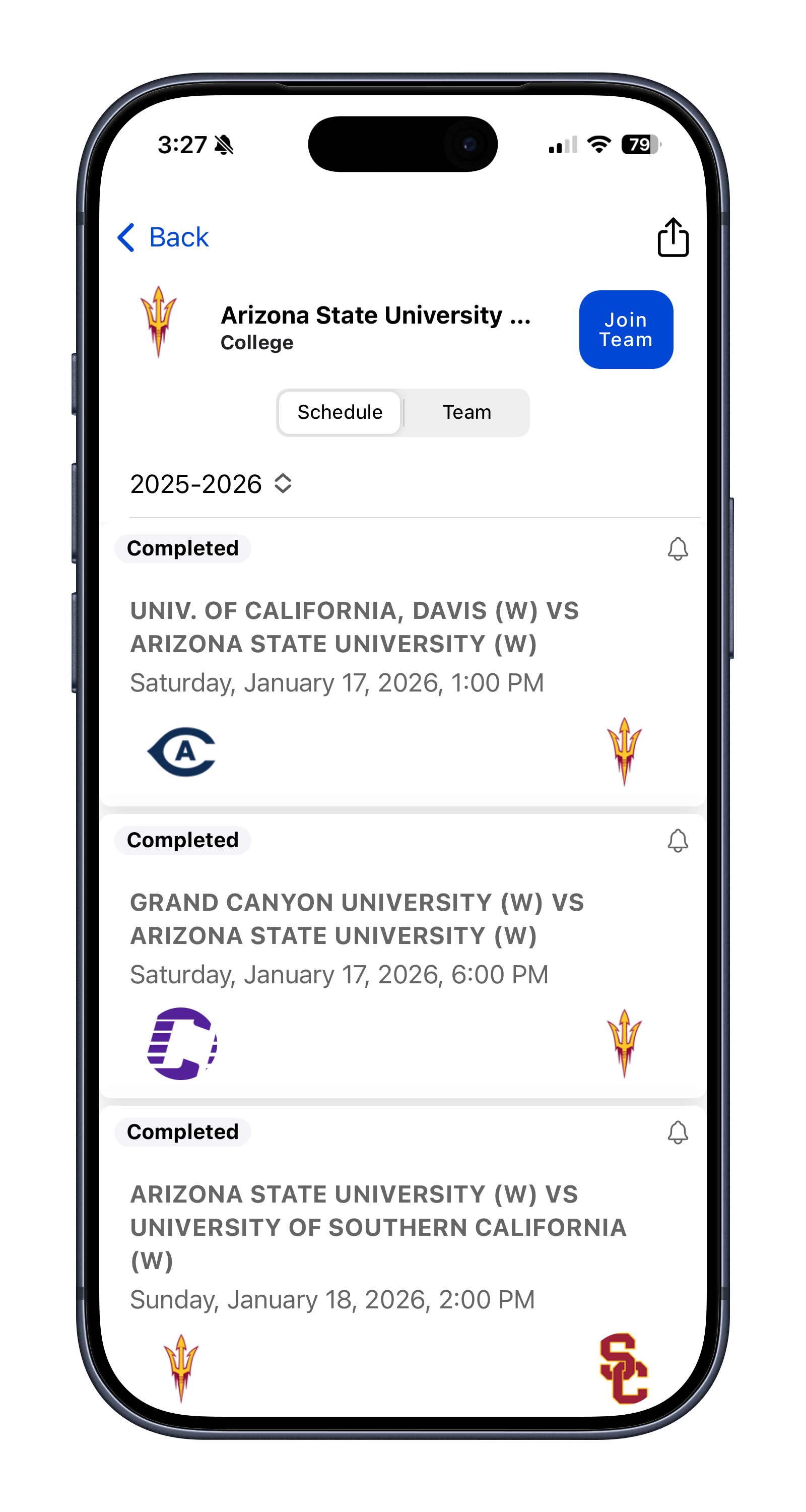
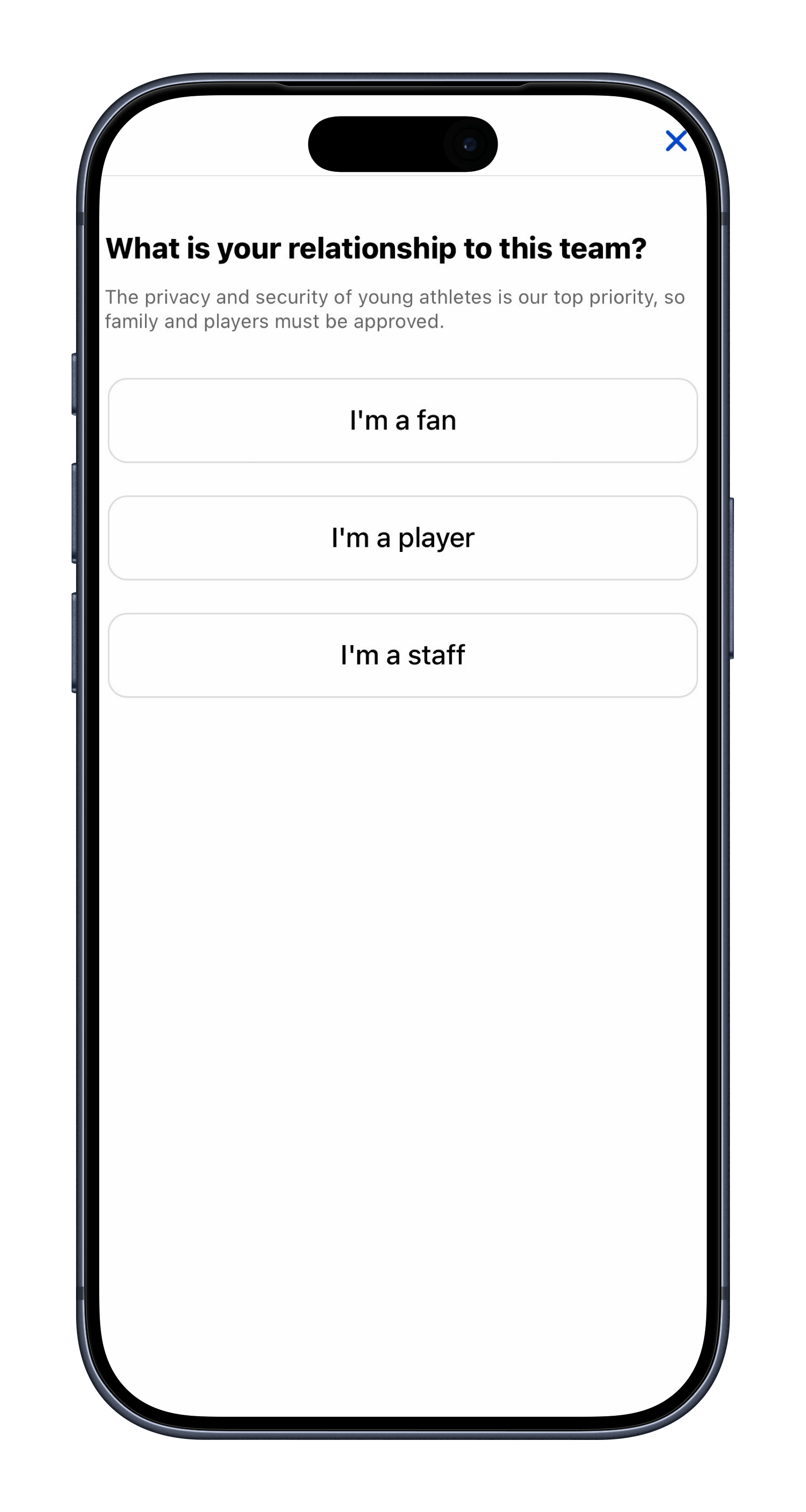
5. Select Your Role
Choose your relationship to the team — fan, player, or staff member.
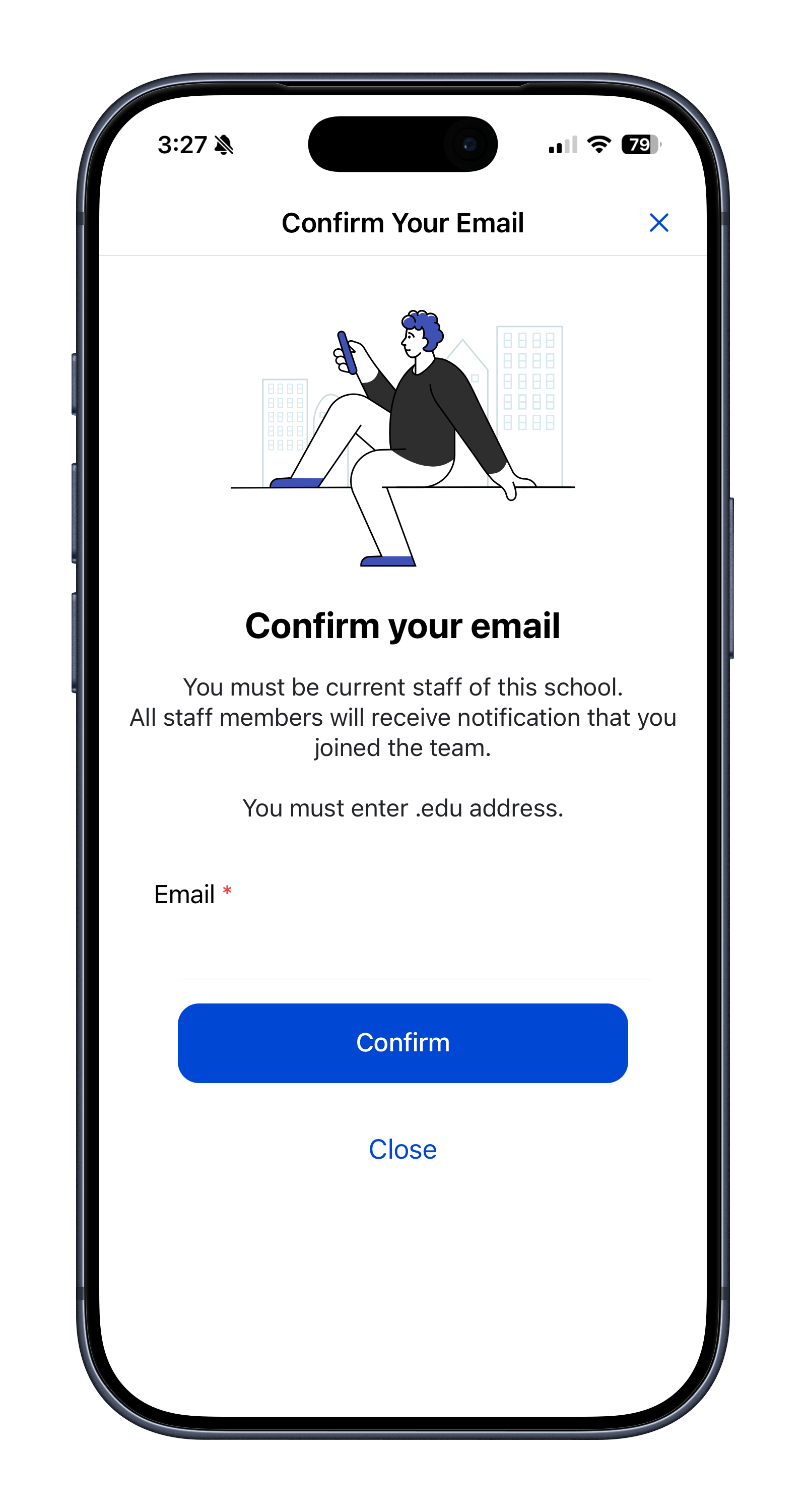
6. Confirm Your Email

Enter your .edu email address to verify your staff membership.
7. Check you Inbox for the Code
Receive a 6-digit code.
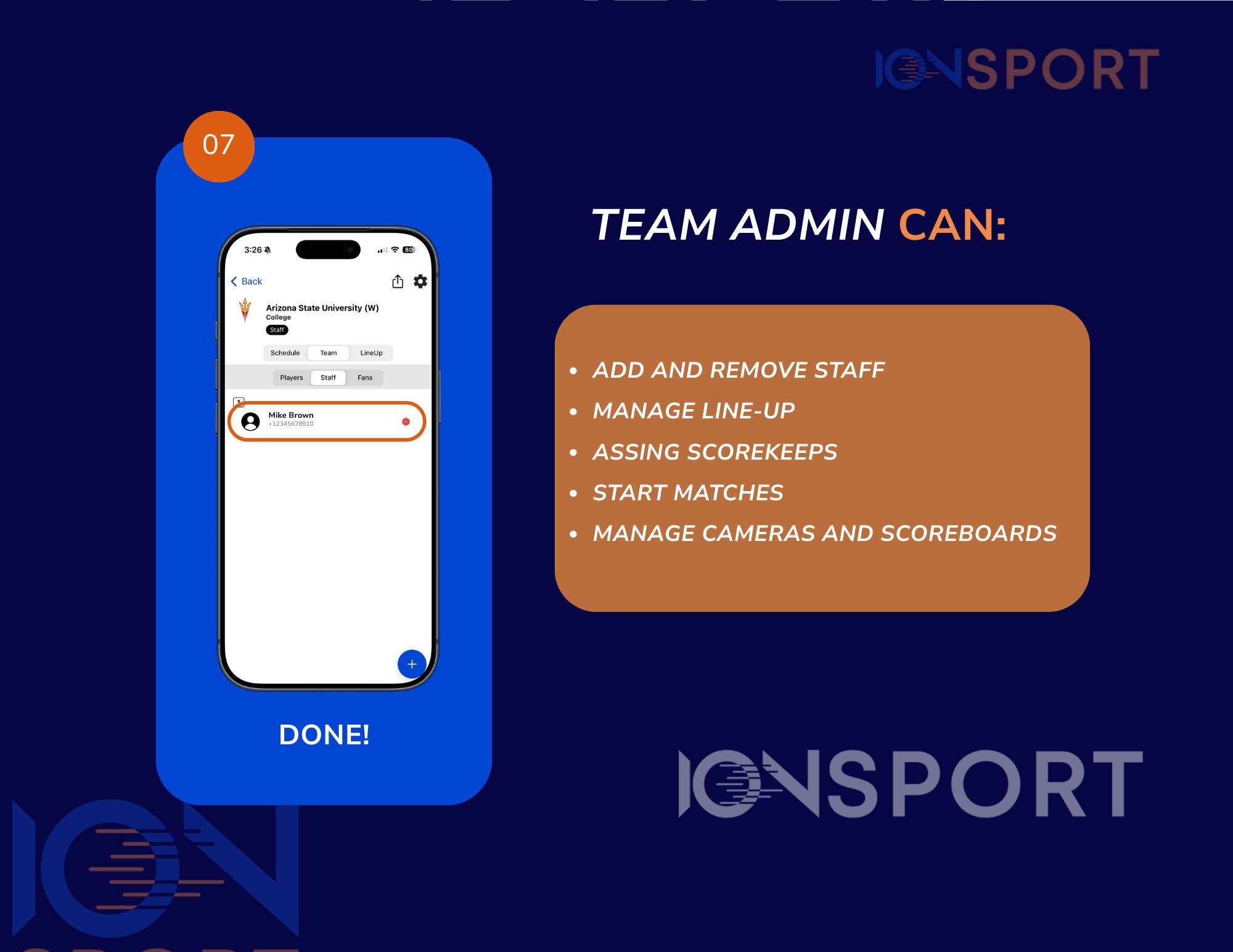
8.Done!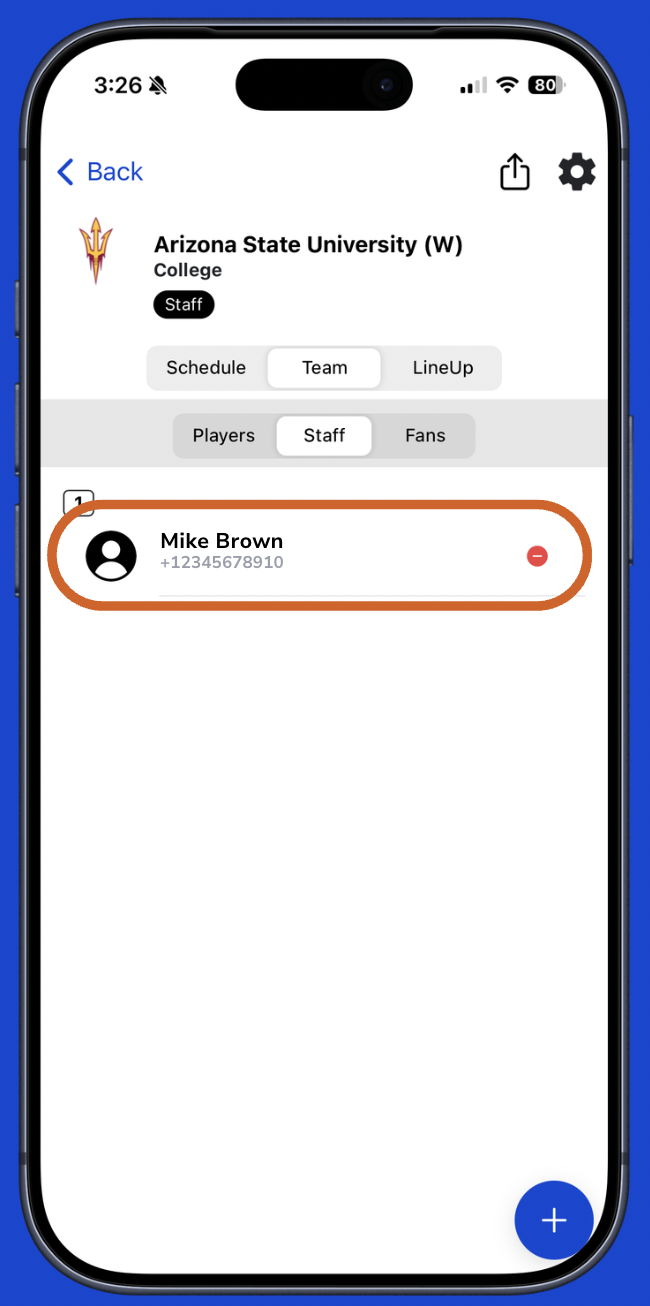
Was this article helpful?
That’s Great!
Thank you for your feedback
Sorry! We couldn't be helpful
Thank you for your feedback
Feedback sent
We appreciate your effort and will try to fix the article